What you’ll be reading in.
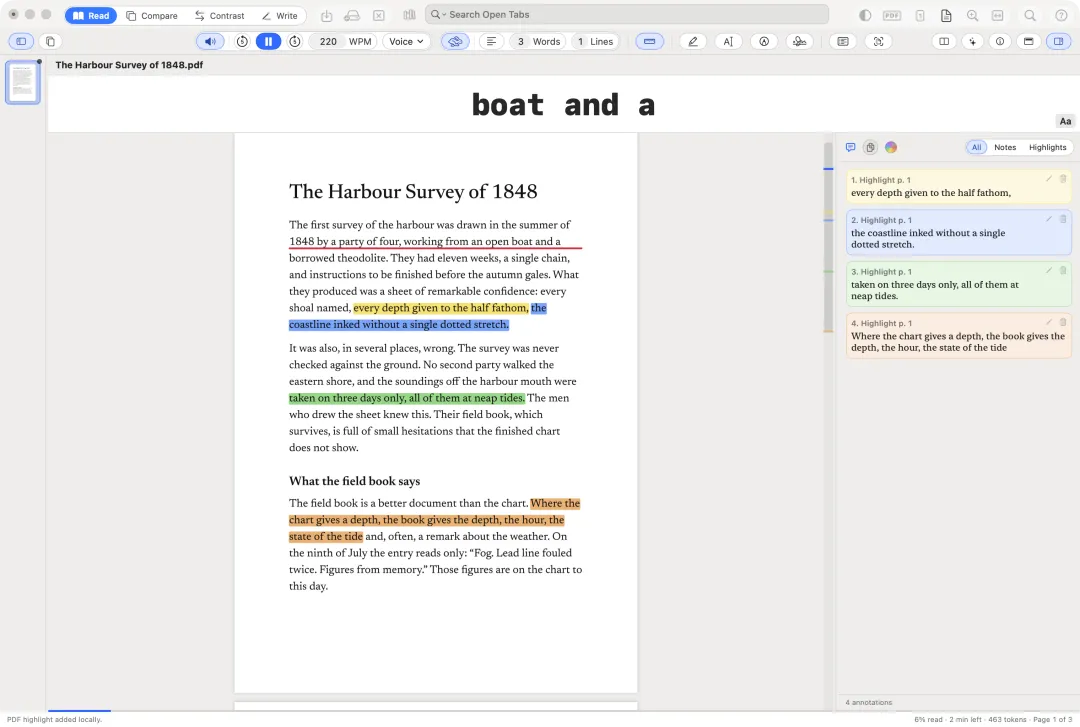
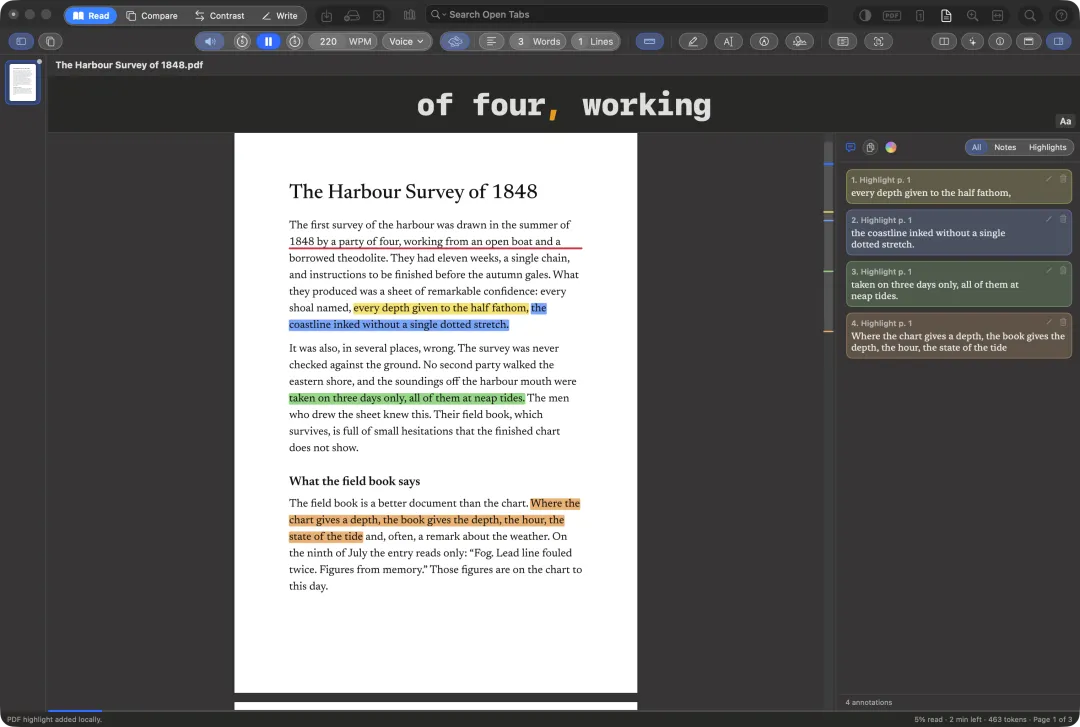
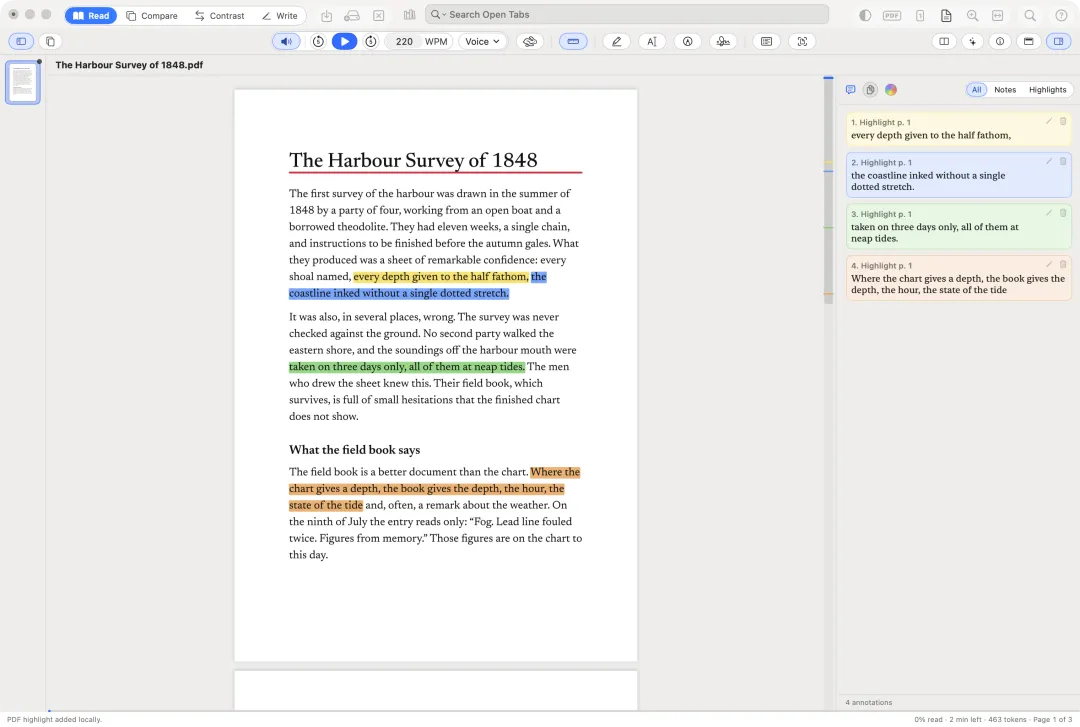
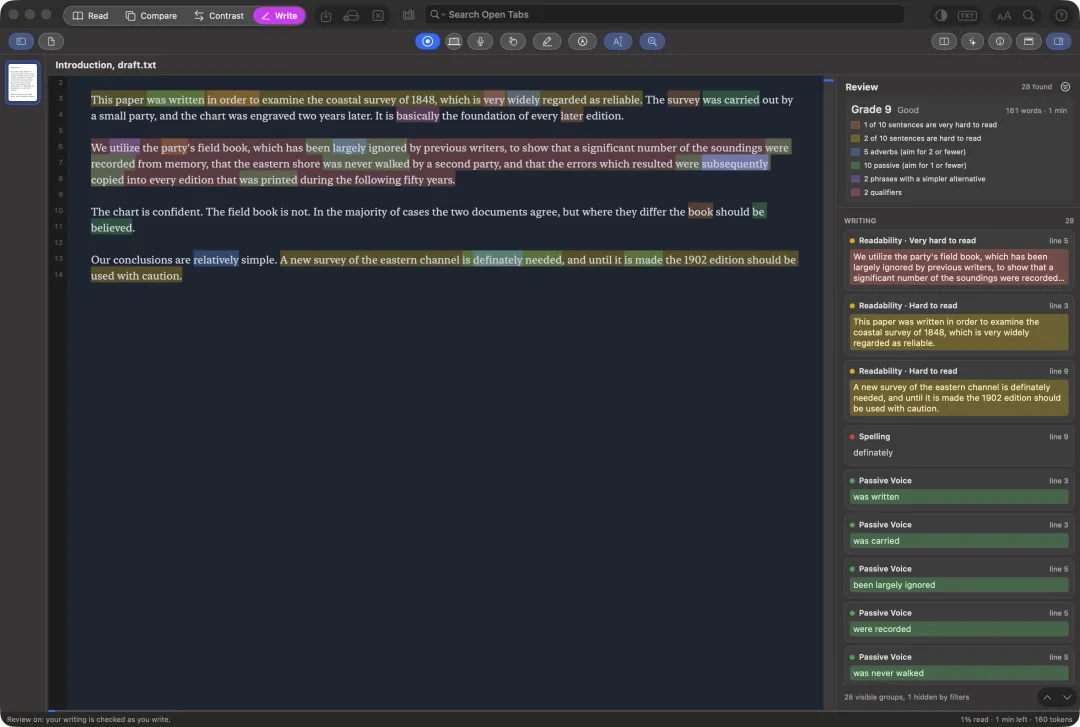
These are captures of Docuria itself, shown in the theme you are browsing in. Press T to see the other one.
Read
Mark it, sign it, fill it in.
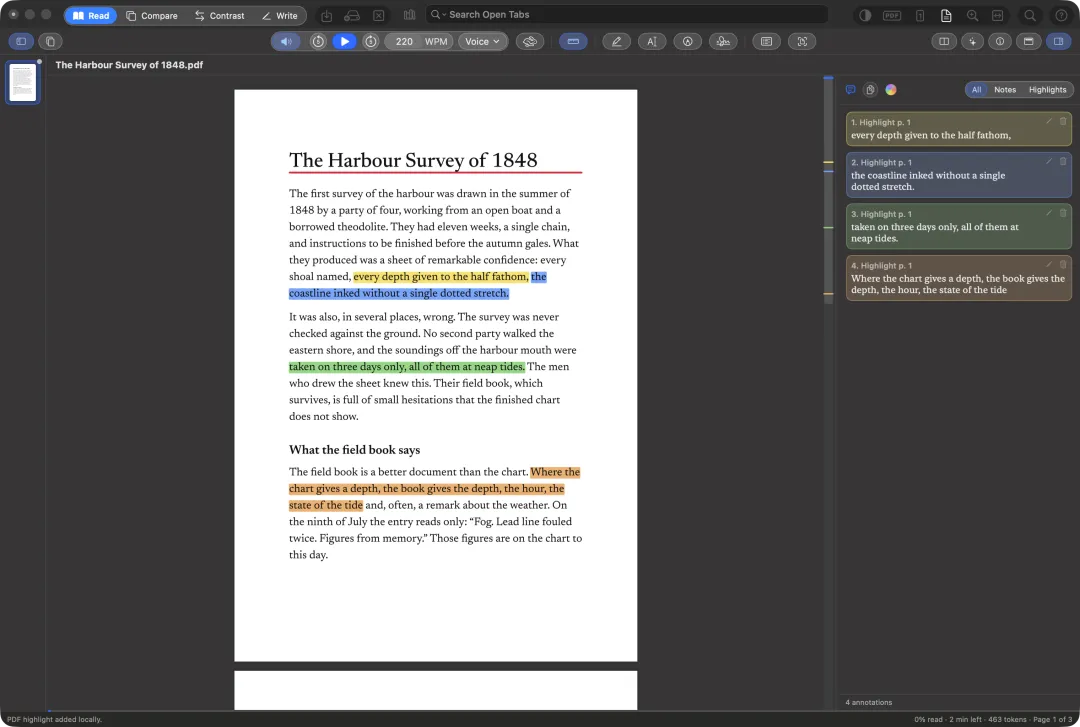
Open a text or PDF to read it, mark it, sign it, fill in its forms and edit it.
- Highlight, underline and strike through in seven colours, add notes, and find them all again in the annotation sidebar.
- Draw on PDF pages with a pen or marker, add shapes, and place stamps and signatures.
- Copy a table from a PDF page as cells for a spreadsheet or as a Markdown table.
- Copy a source link to a passage: clicking it in any app opens Docuria at that passage, even after the file was moved, renamed or edited.
Listen
Every word, as it is spoken.
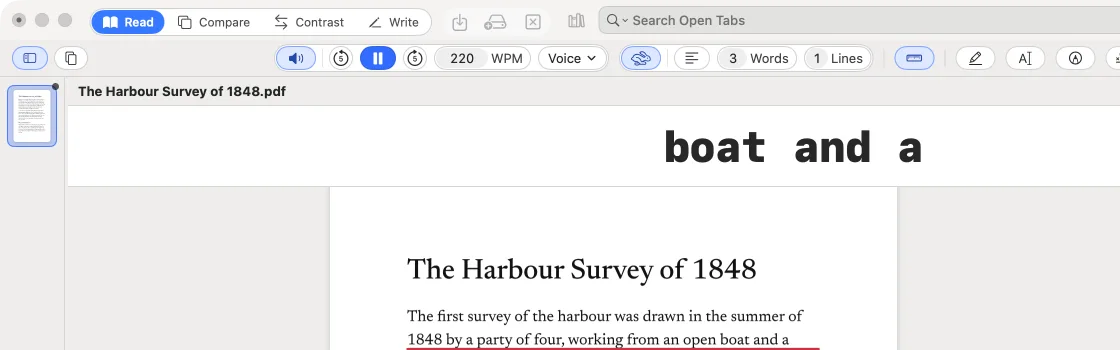
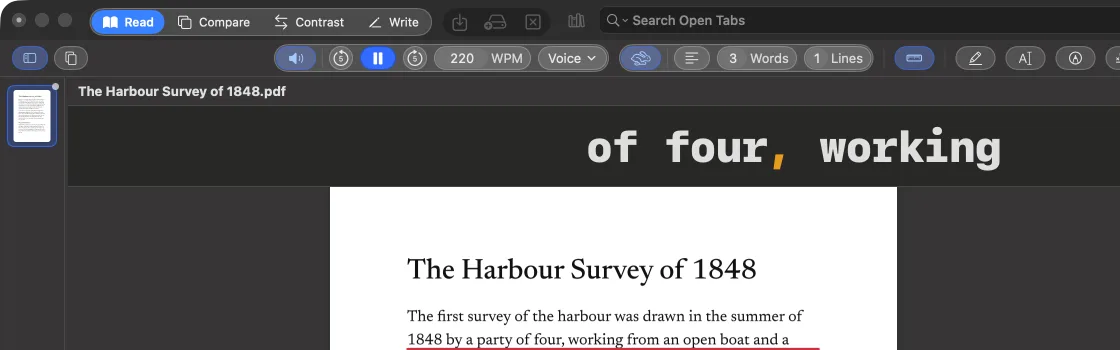
- Listen reads with macOS voices by default, including Premium, Enhanced and Personal Voice.
- Two neural voice models can be downloaded and then read on your Mac without a network connection.
- Speedread shows the text in a panel, 1 to 20 words a line, and the Reading Ruler marks the line or word being read.
Library
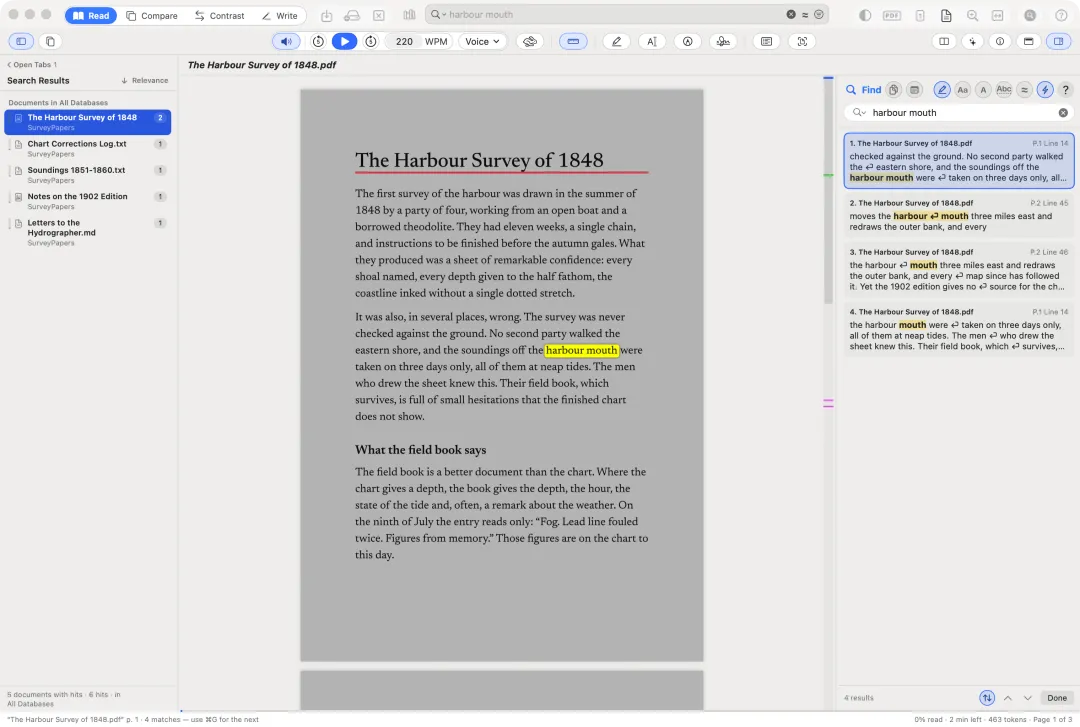
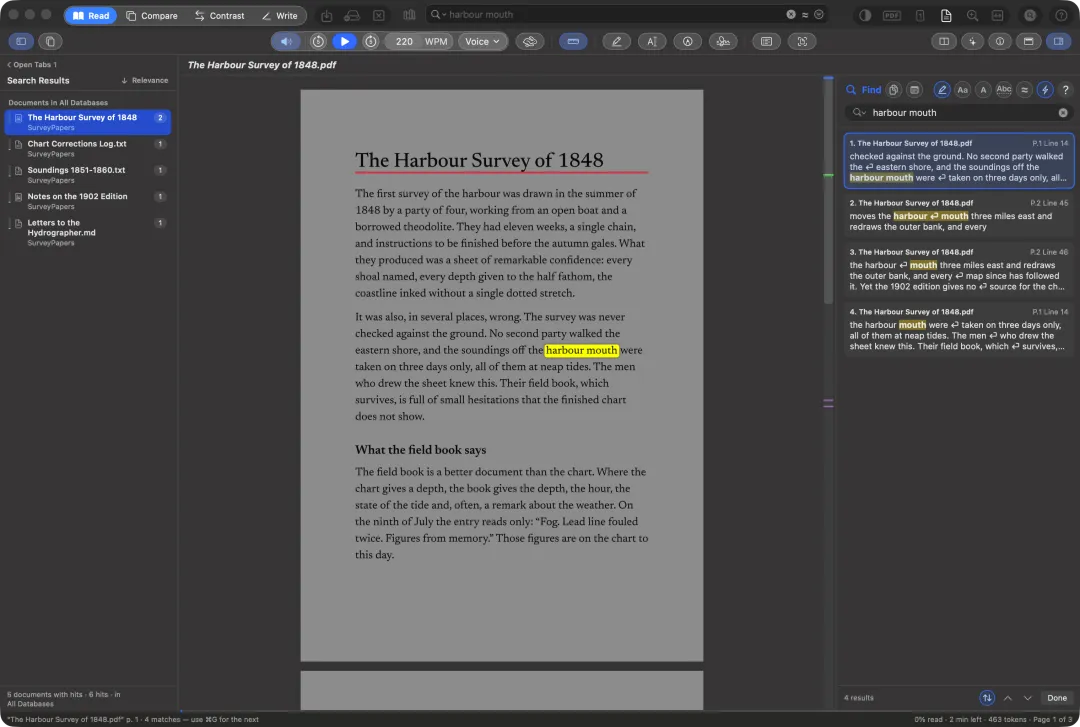
Search everything you keep.
- Index folders of documents where they are. Docuria only reads them: it never changes, moves or copies them.
- The title bar’s search field works in every mode, across your open tabs and the library.
- Meaning search finds passages by what they mean: ask a question or describe an idea, and Docuria finds the passages about it, on your Mac.
- Narrow a search by tags, kinds, dates and size, and save searches.
Compare
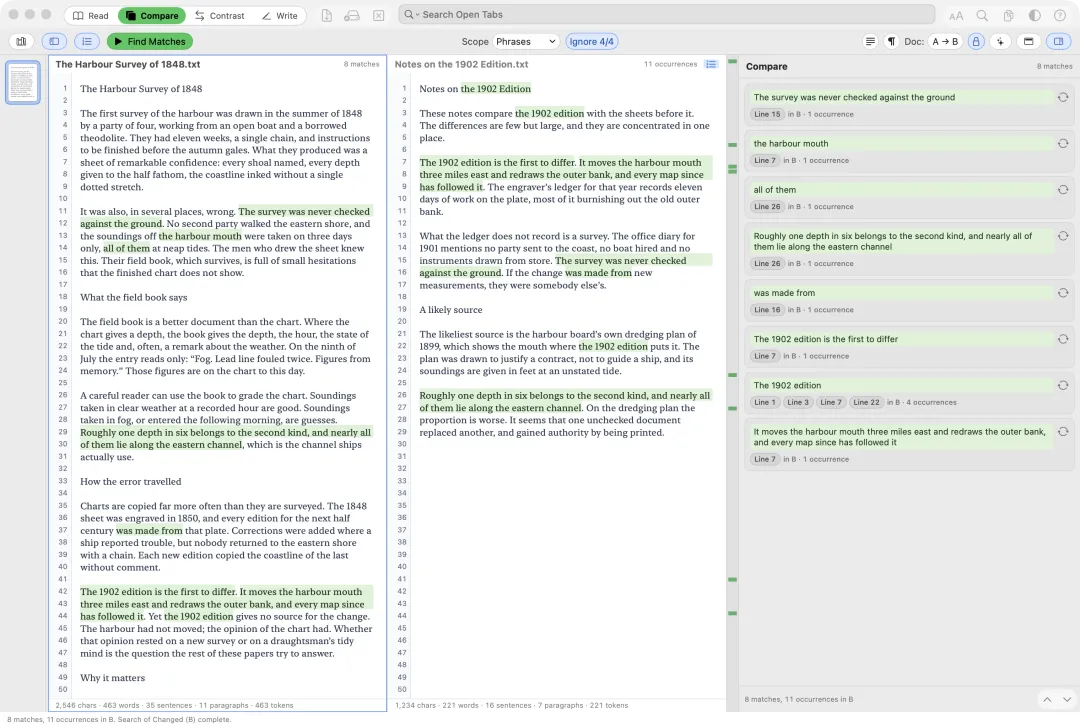
Find what repeats.
- Find passages repeated within one document, or the passages of one that also appear in another, shown in two panes.
- Match by a number of words, phrases, sentences or paragraphs, and leave small differences out.
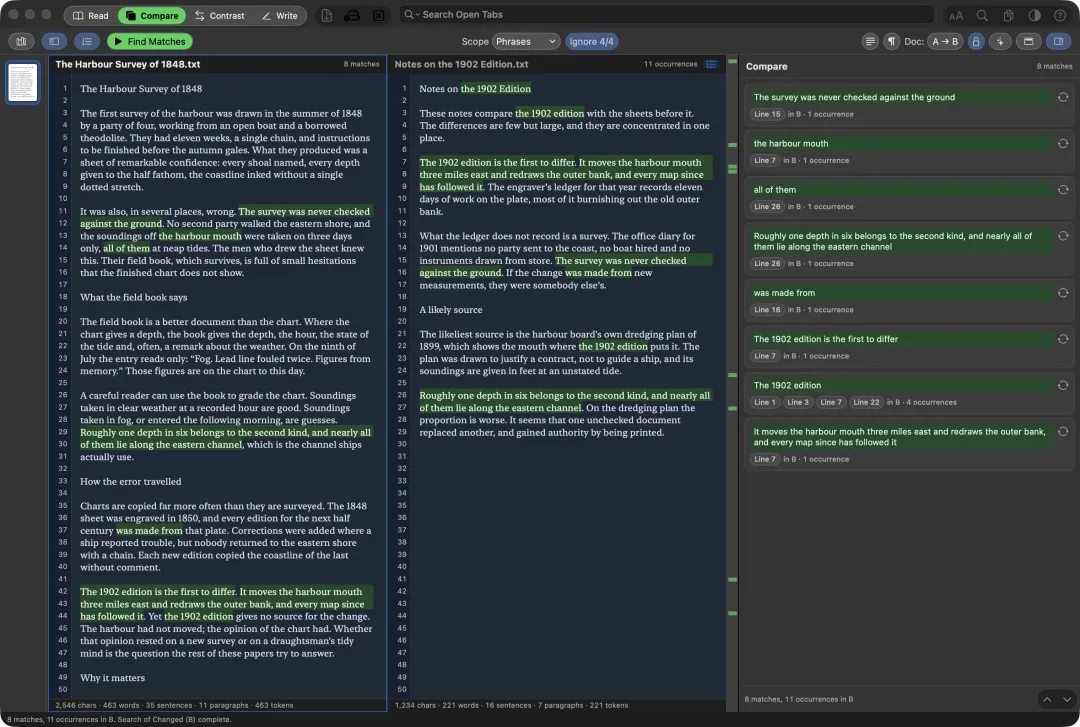
- Matches show as cards in the sidebar and as highlights in the text.
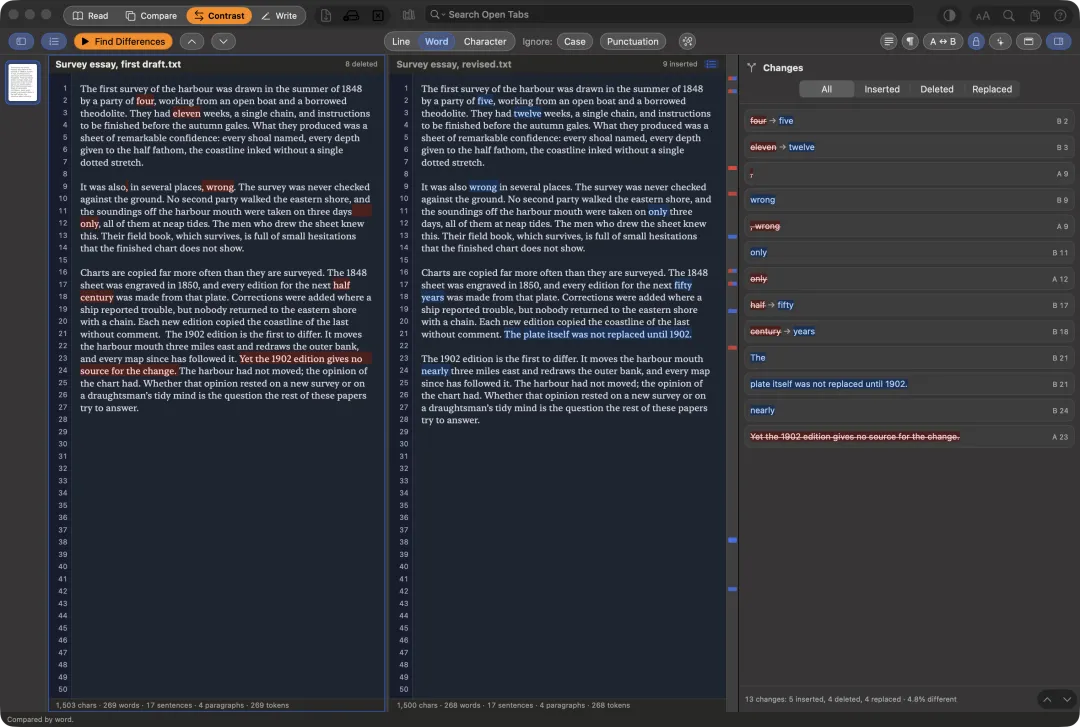
Contrast
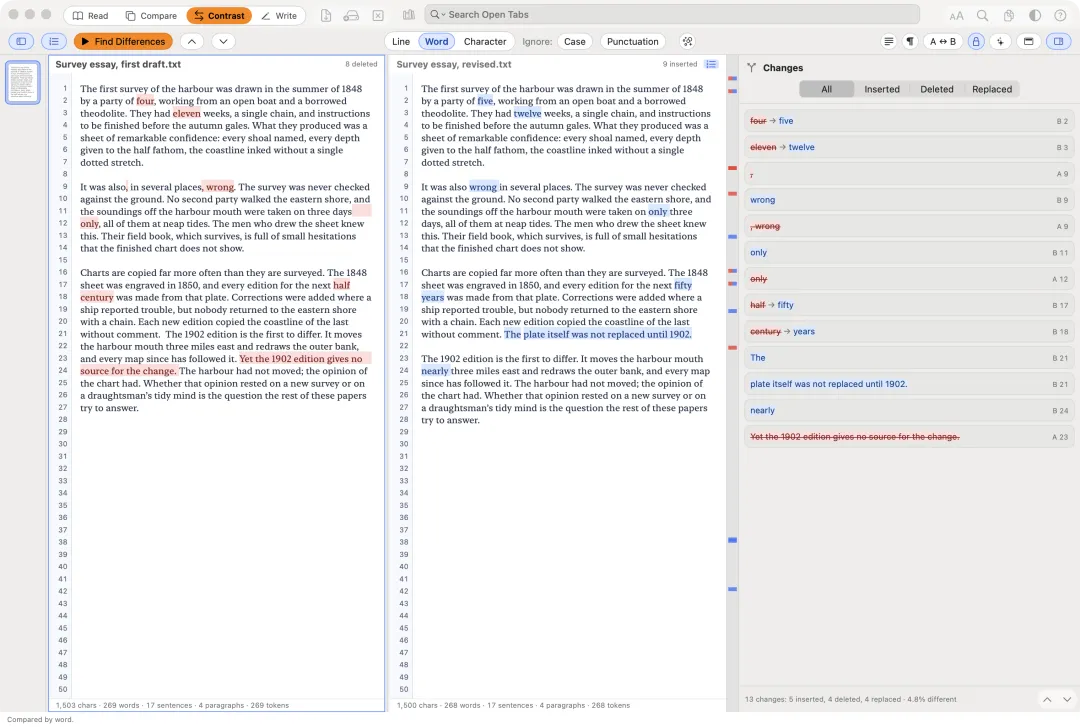
See what changed.
- Find differences by line, word or character. Inserted text is blue, deleted text red.
- See the two versions side by side, or inline in one pane.
- Reflow joins line breaks inside paragraphs first, so rewrapped text doesn’t show as changed.
- Step through the changes, filter them, and see them in context.
Write
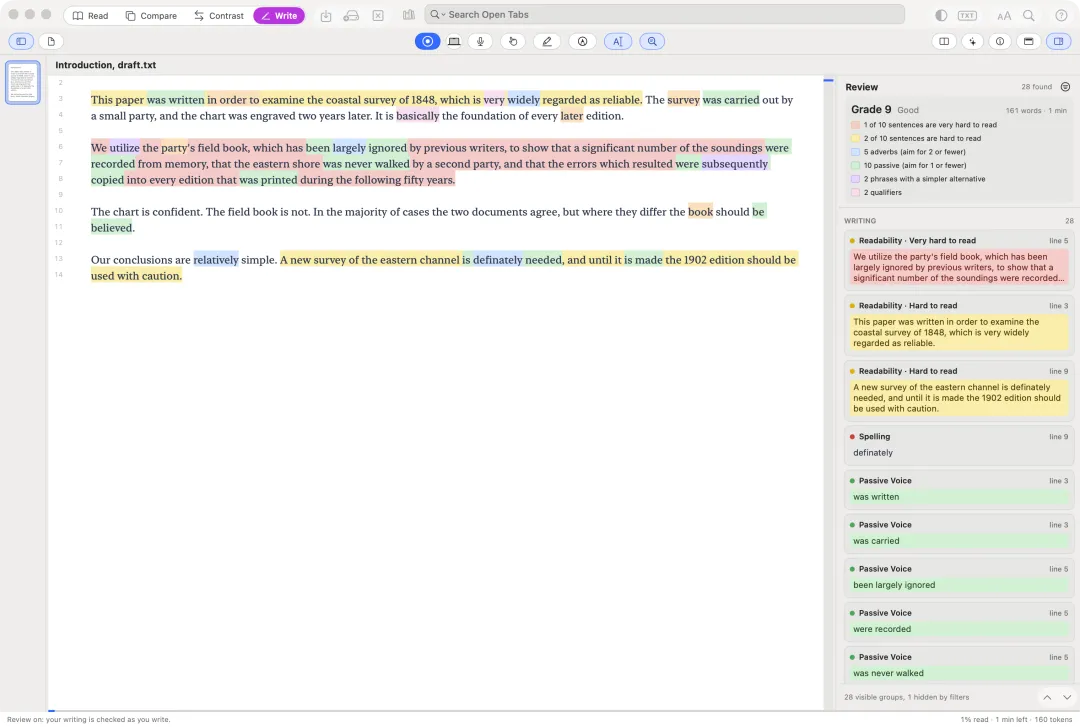
Notes, recording and Review.
- Take notes on ruled, grid, dot grid or plain paper while recording; ⌥-click a word later to hear what was being said.
- Edit a Word, RTF, Markdown or text document, and record into it.
- Review checks for hard sentences, adverbs, passive voice, simpler words, spelling, grammar and style, with a readability grade.
What it opens
- PDF.
- Plain text, Markdown, Rich Text, Word (.docx, .doc) and OpenDocument.
- Ebooks: EPUB and Kindle or Mobipocket, read-only. DRM-protected ebooks can’t be opened.
- Pasted text, and pictures, which open as a new PDF.
Try it free Back to the overview
Requires macOS 26 on a Mac with Apple silicon.